 Sidekick


Nova
Generalist
Organizes ideas and turns a vague task into a clear next step.
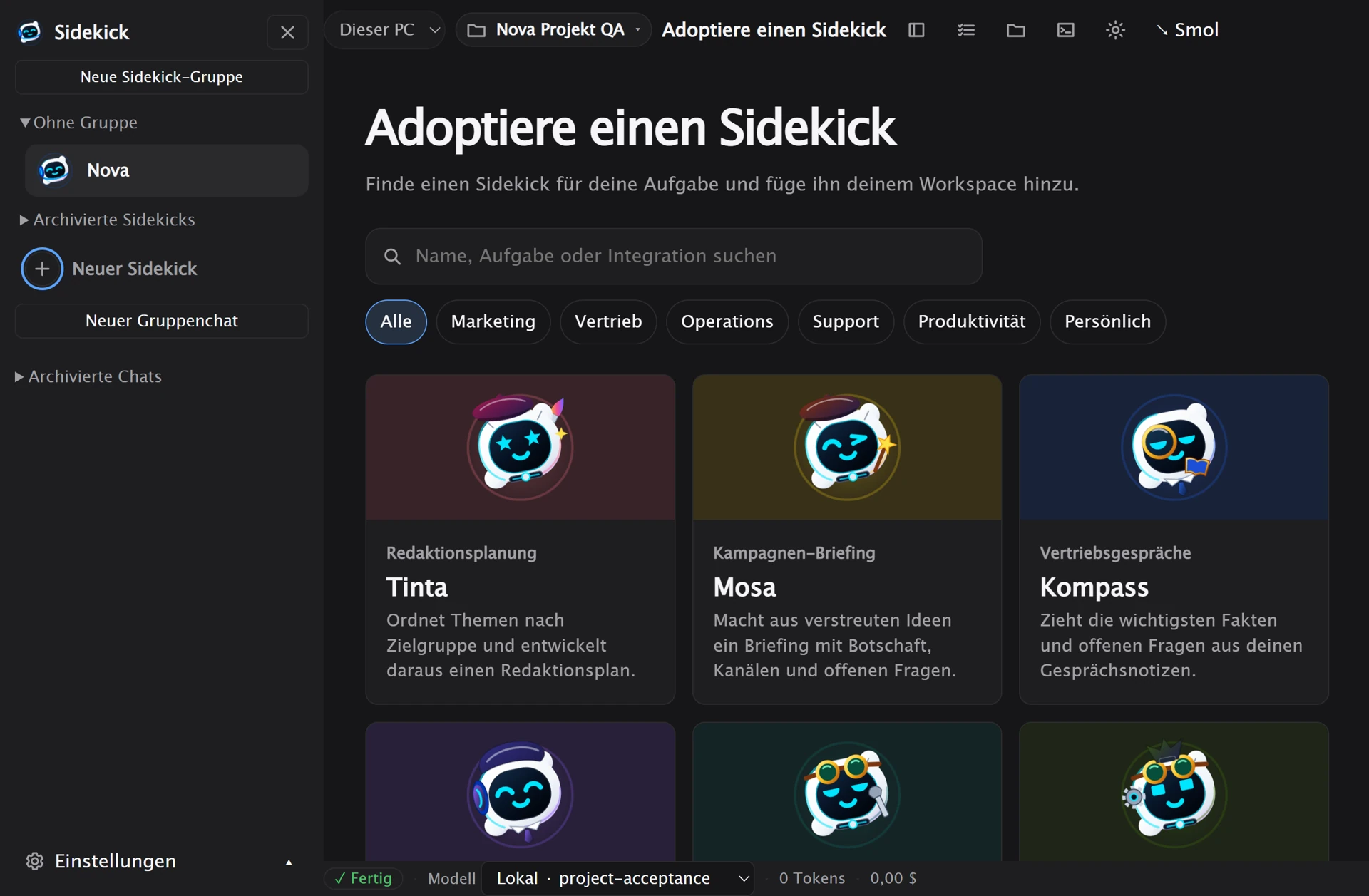
Every Sidekick has its own style. In the desktop app, choose a role template, customize it, and add it to your workspace.
Explore SidekicksFIND YOUR TEAM
From marketing to game development, find a role, see the first task, and customize it in the app.
Loading the catalog…
Generalist
Organizes ideas and turns a vague task into a clear next step.
Structure & Planning
Helps you organize requirements and break larger tasks into manageable steps.
Technology
Helps you reason through technical questions and review solutions.
Creativity
Generates ideas and explores different directions for copy and concepts.
Overview and explanation
Explains complex topics step by step and summarizes the results clearly.